Theme features
Everything Evergreen can do, and how to set it up.
Evergreen is an immersive journal theme for Ghost: travel, slow living, people and photography. A photograph first, then a journal you scroll like a diary, with Caslon headlines, spaced capitals and a calm palette of forest green, cream and sage.
Here is what the theme does and how to set it up. Everything works out of the box, without code.
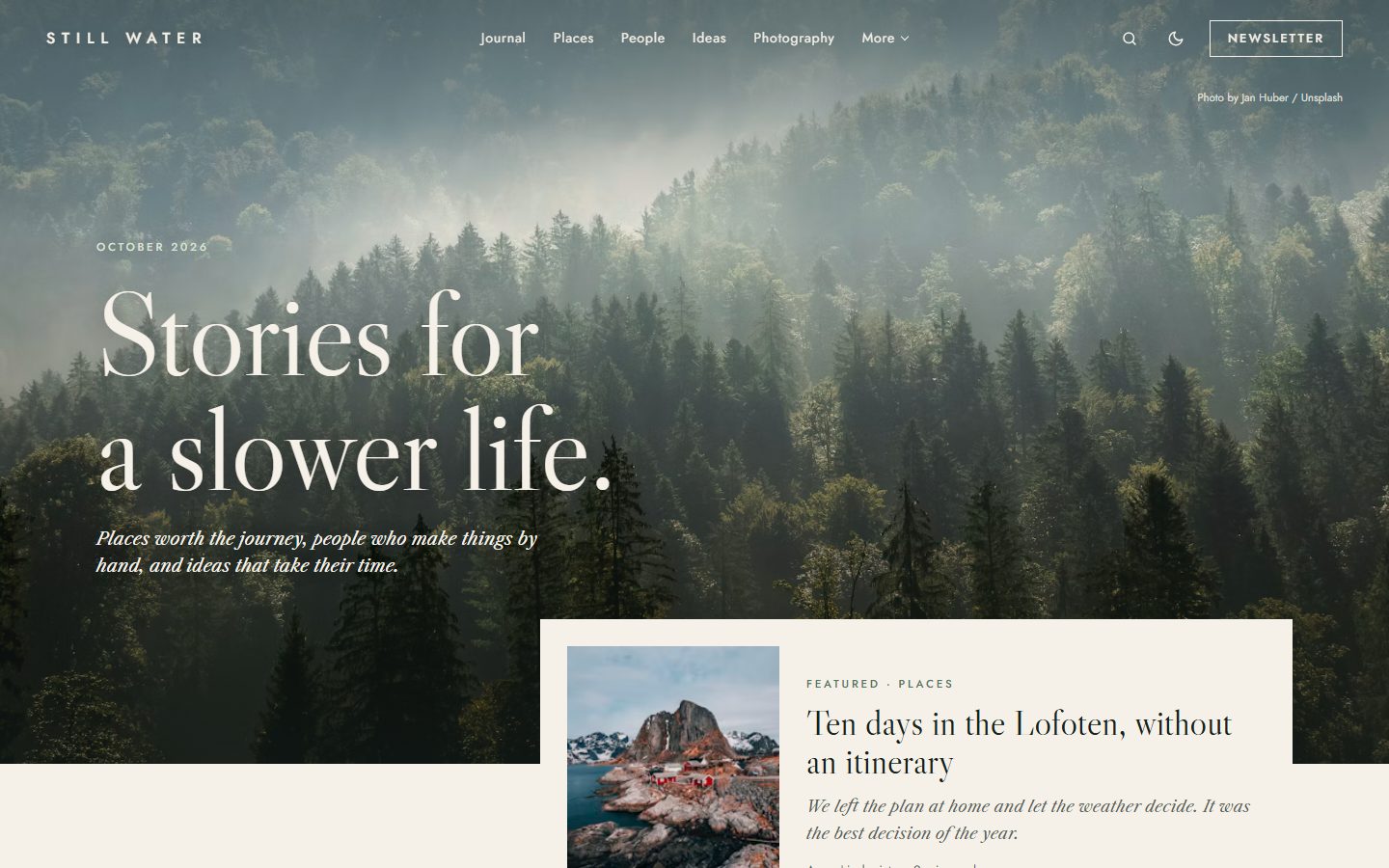
A photograph first
The homepage opens on your publication cover, full width, with a large statement of your choice, the month and your site description. No cover? The theme uses the image of your latest Featured post. The header stays transparent over the photo and turns cream as soon as the reader scrolls.
Your latest Featured post appears in a panel overlapping the bottom of the photo, like the first page of a magazine.
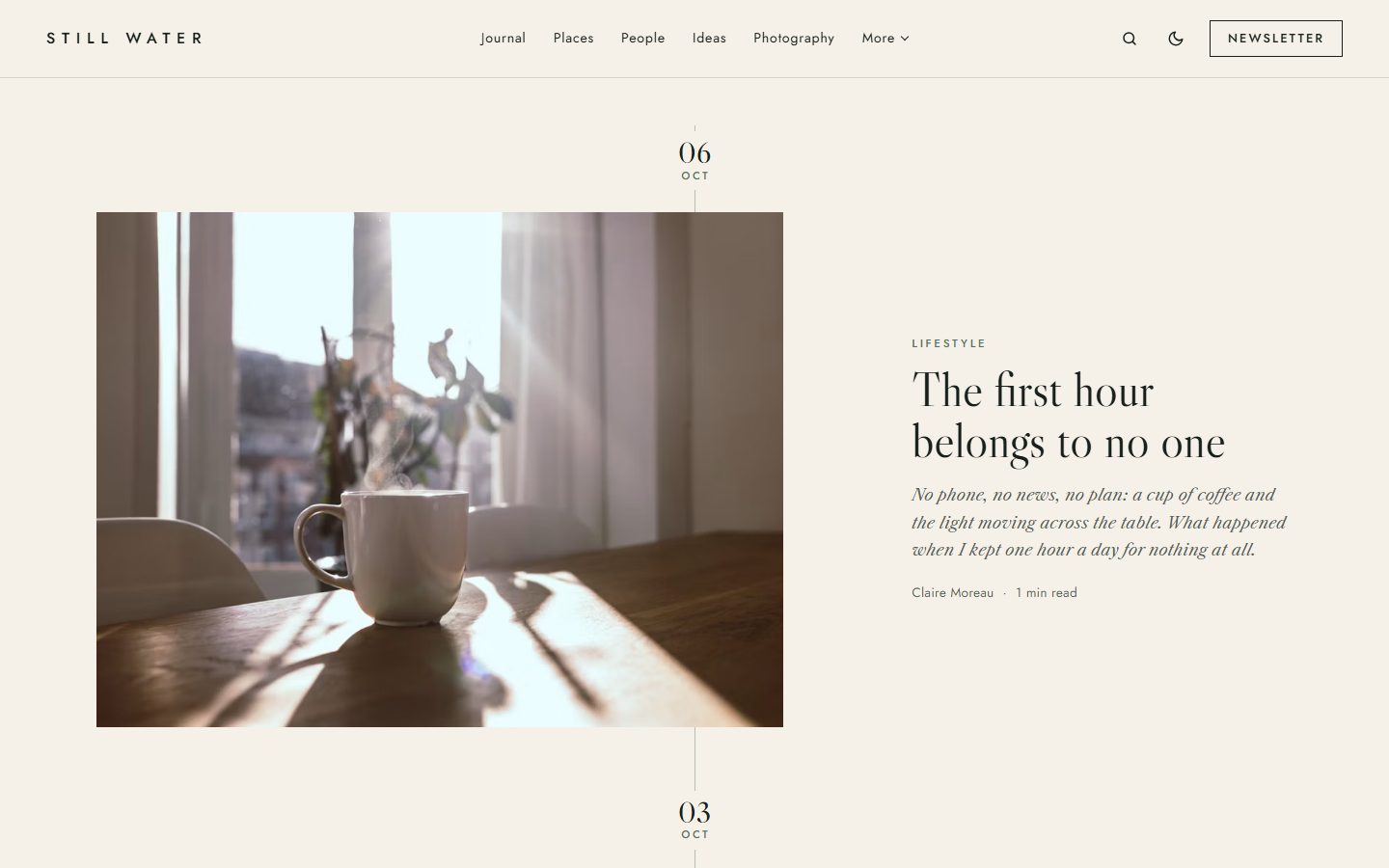
A journal you scroll like a diary
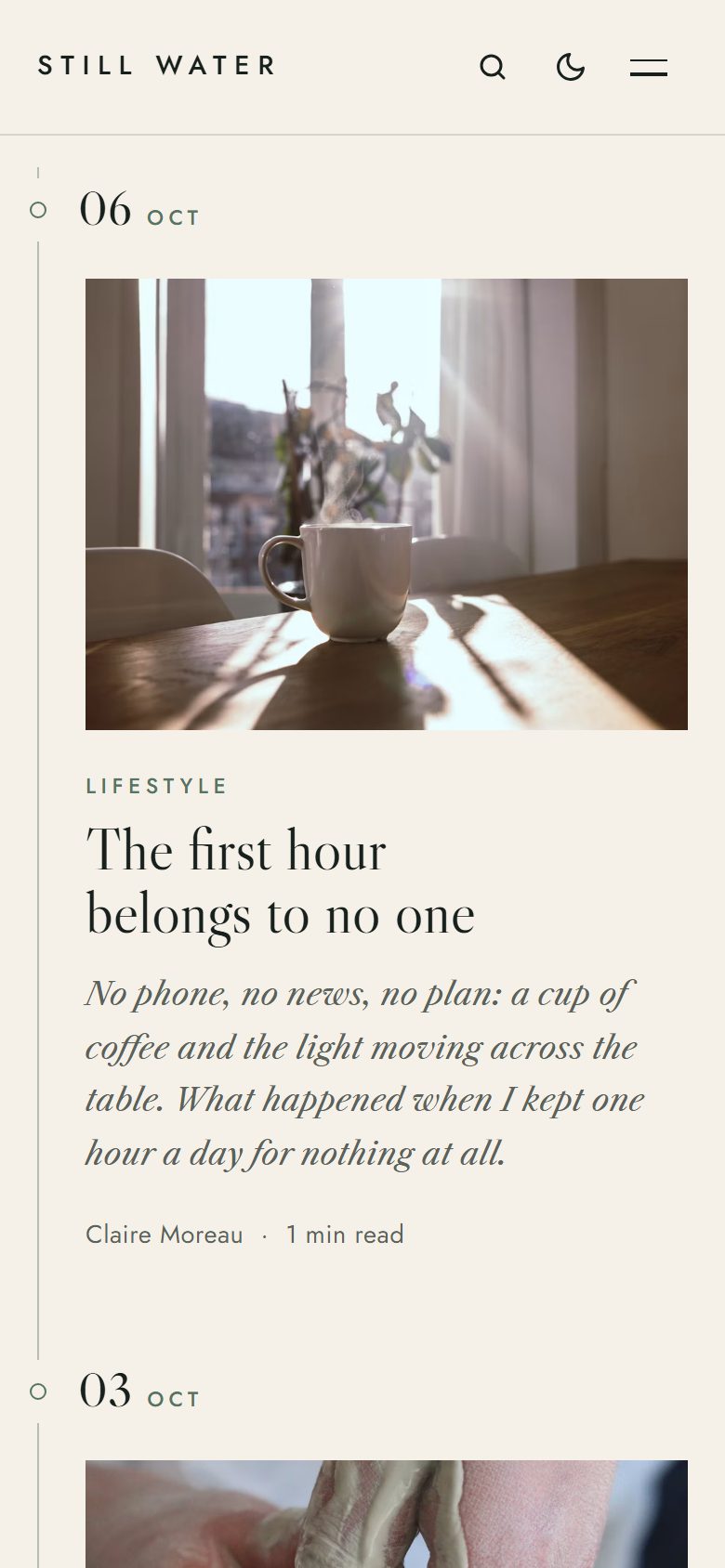
The four latest posts of your journal tag follow each other along a thin vertical thread, with their dates on the line. The composition changes with every entry: image on the left, portrait on the right, a centered story, then a full-bleed photograph. The rhythm continues on the tag page, with a Load more button.
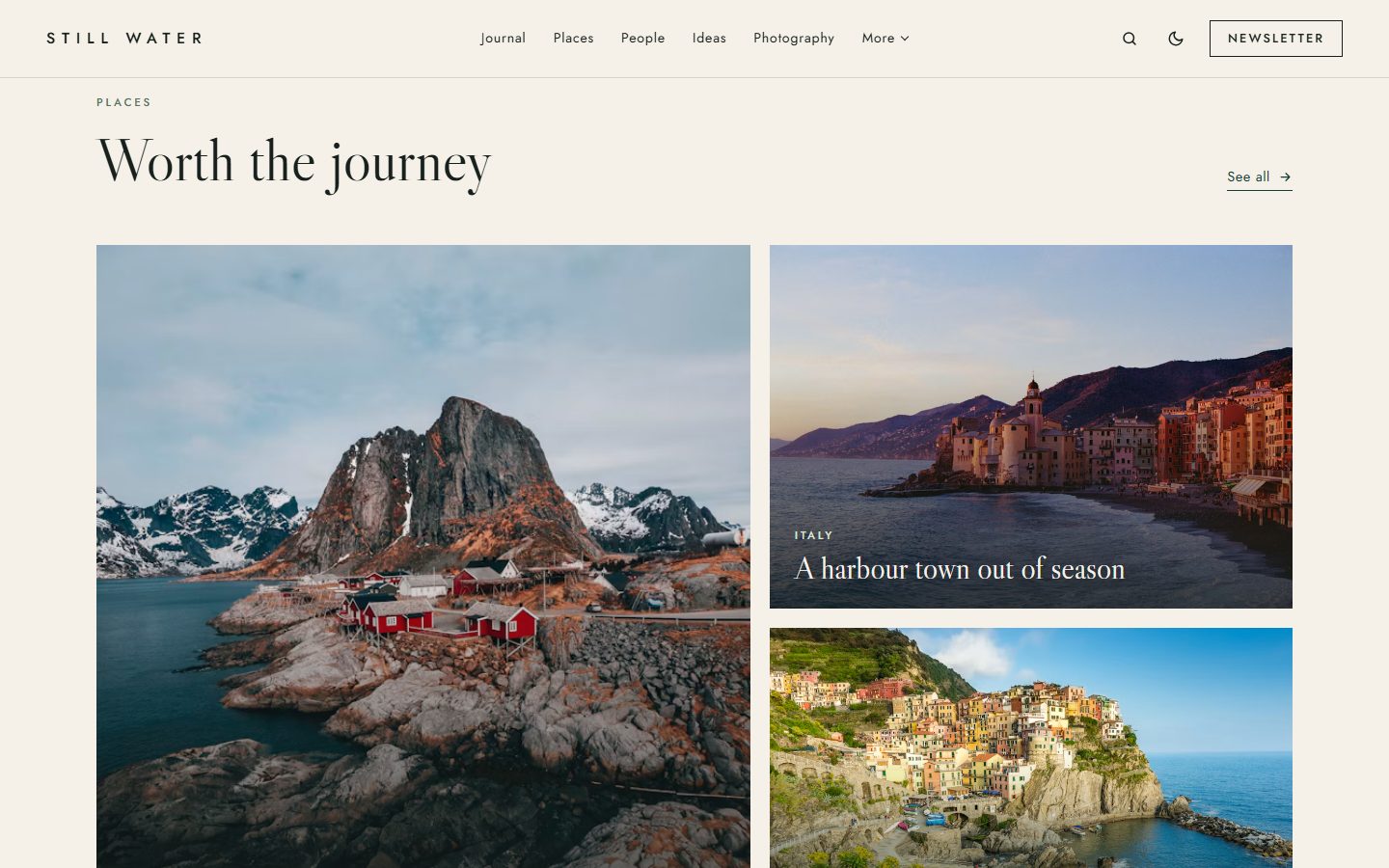
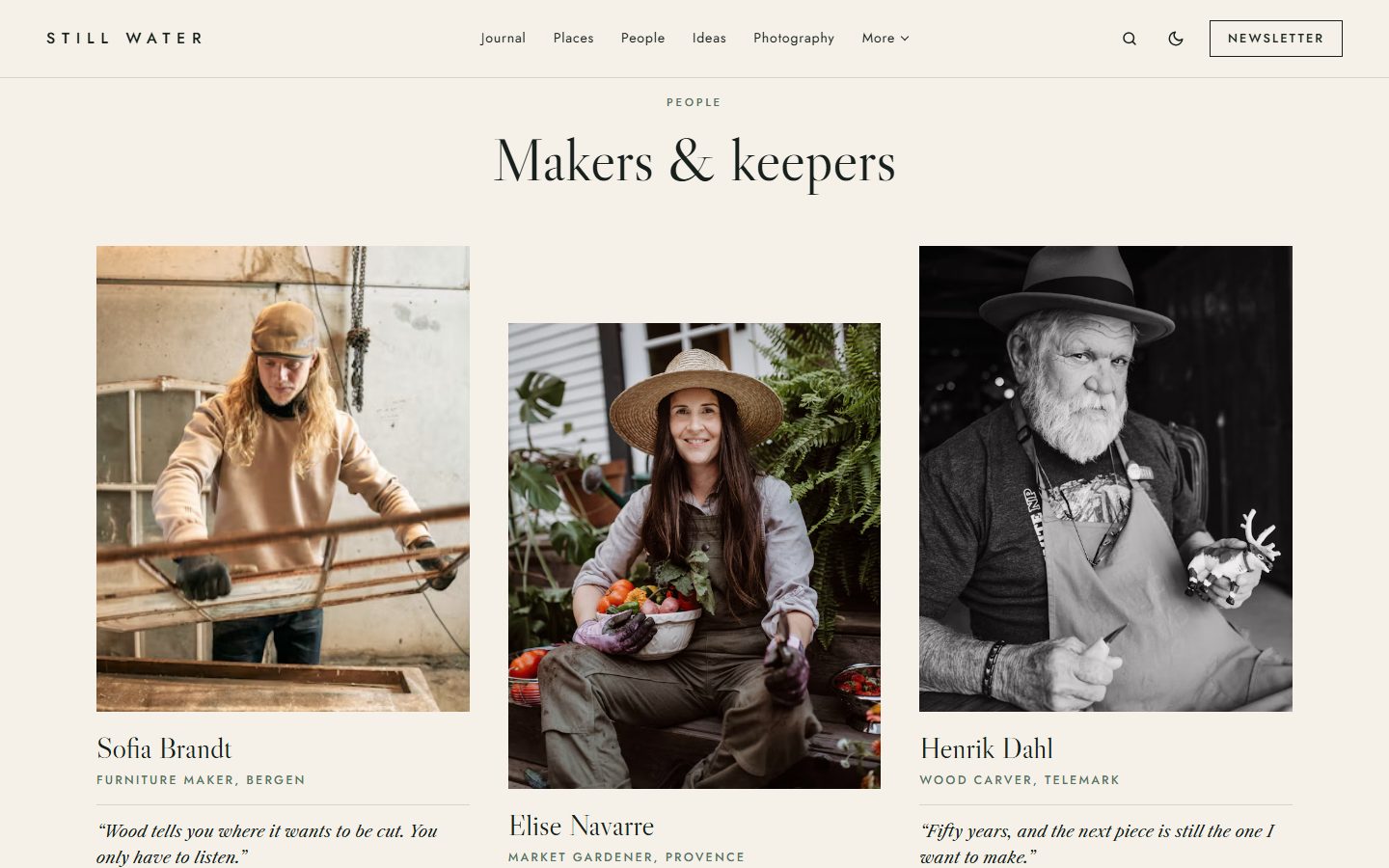
Places, people and ideas
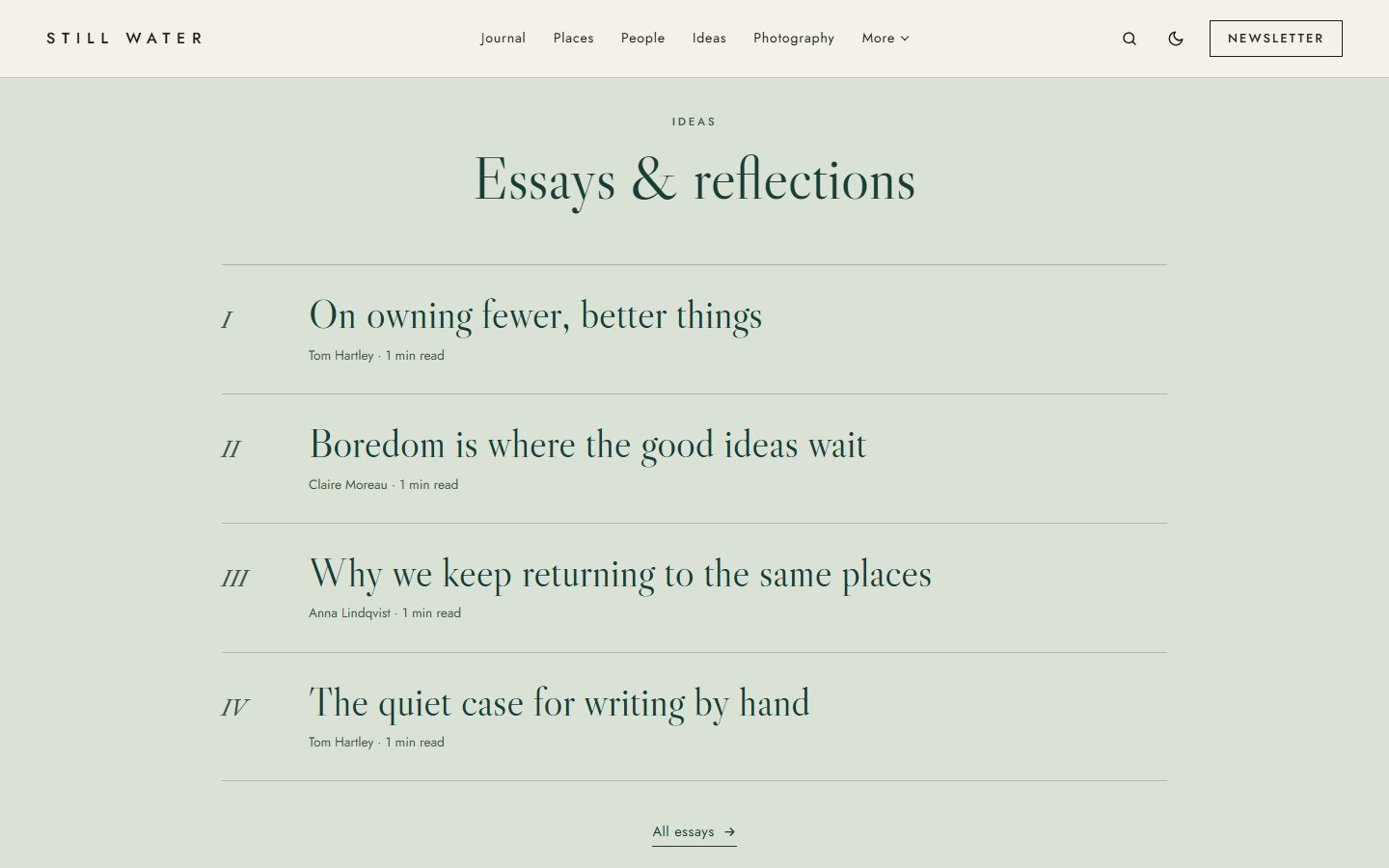
Three more sections, each fed by a tag you choose. Places shows one tall photo and two stacked, with the place written on the image. People sets three portraits side by side: write the excerpt as Role — quote and the theme shows the role under the name and the quote in italic. Ideas lists four essays, text only, numbered in Roman figures on a sage band.
Long reads, set with care
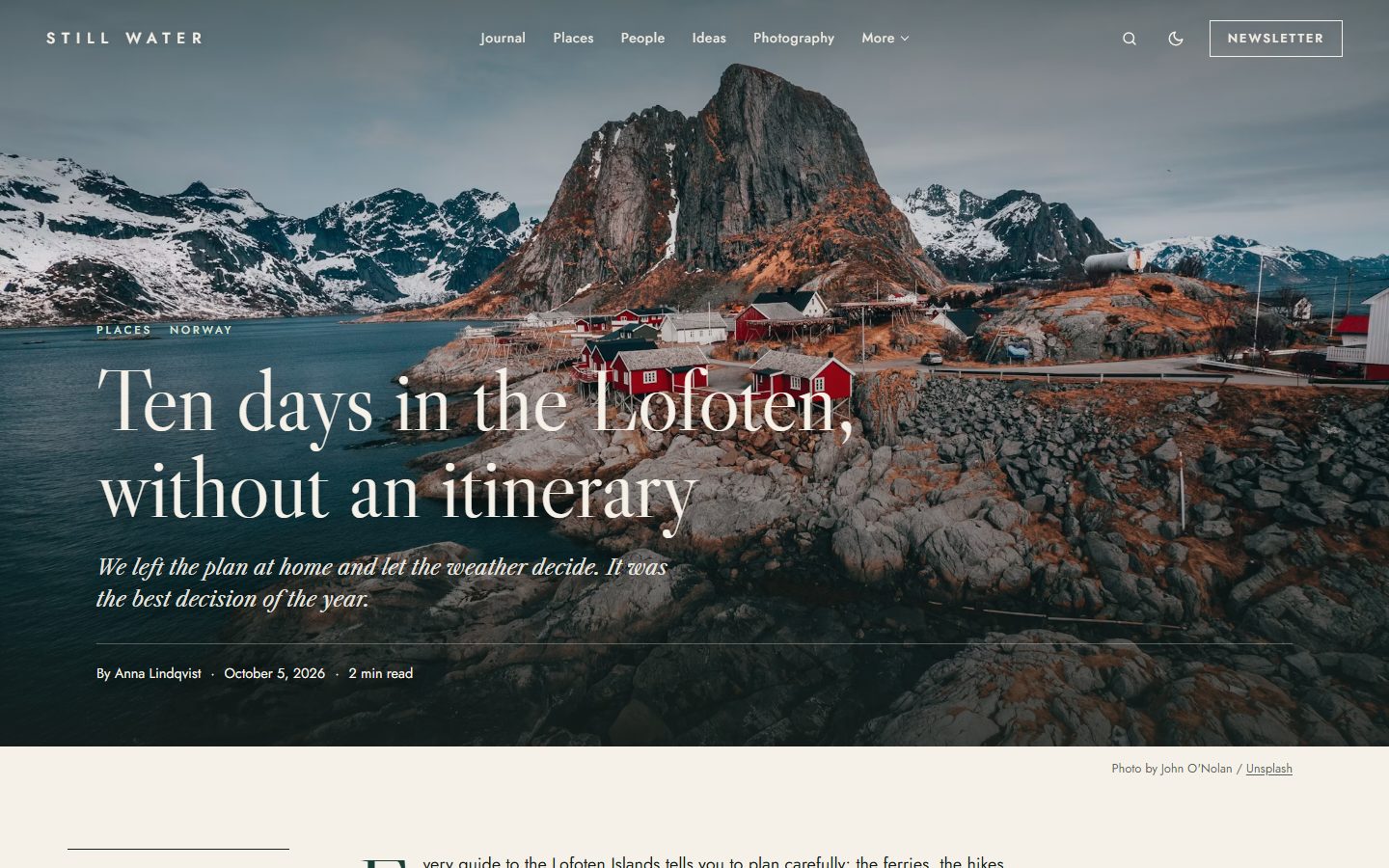
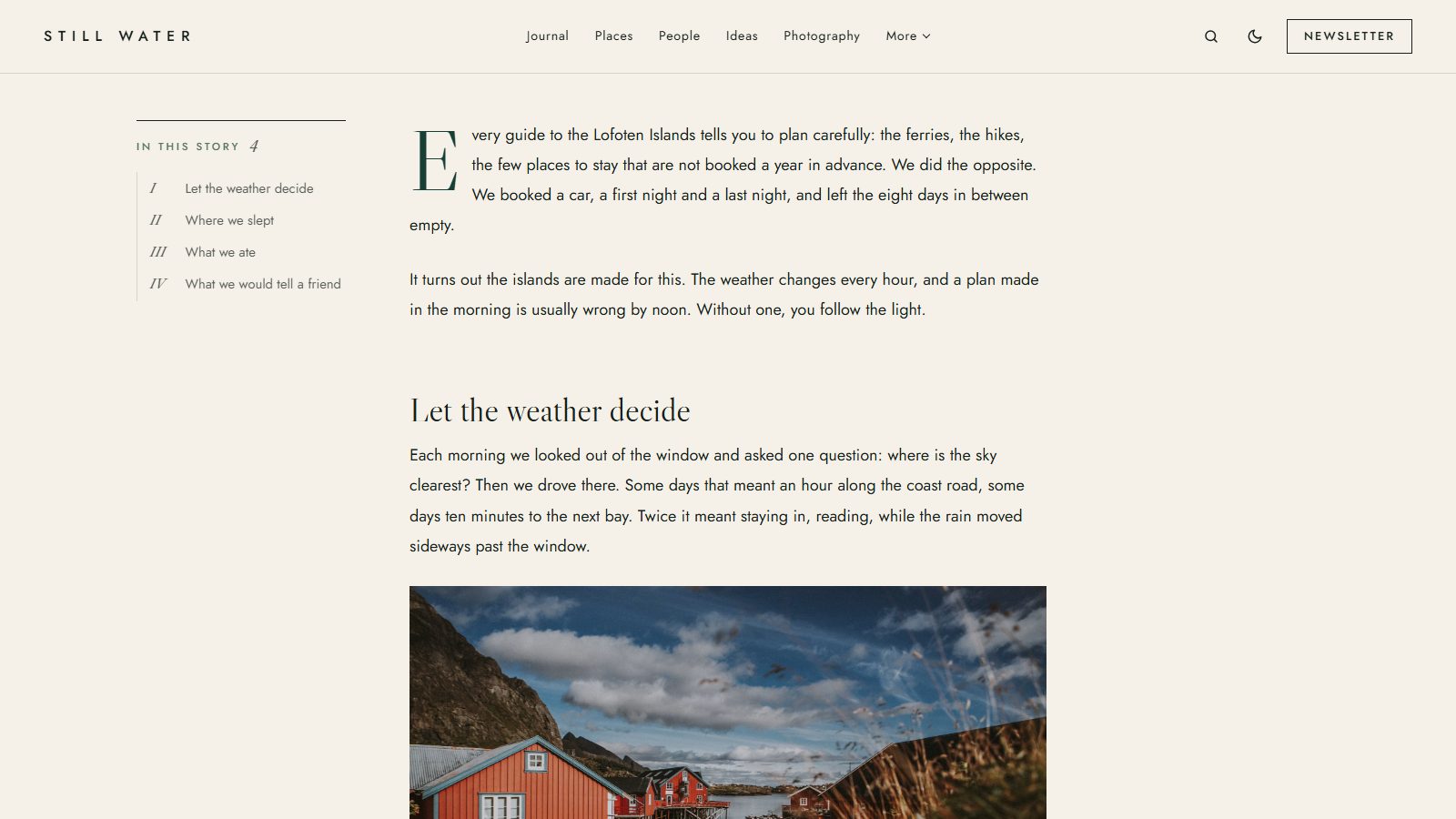
Articles open on their photograph, full width, with the title in Libre Caslon Display. The text starts with a drop cap, quotes and captions are set in Caslon italic, and long stories get a table of contents that follows the reader in the margin, with a discreet reading progress line.
A page for your photographs
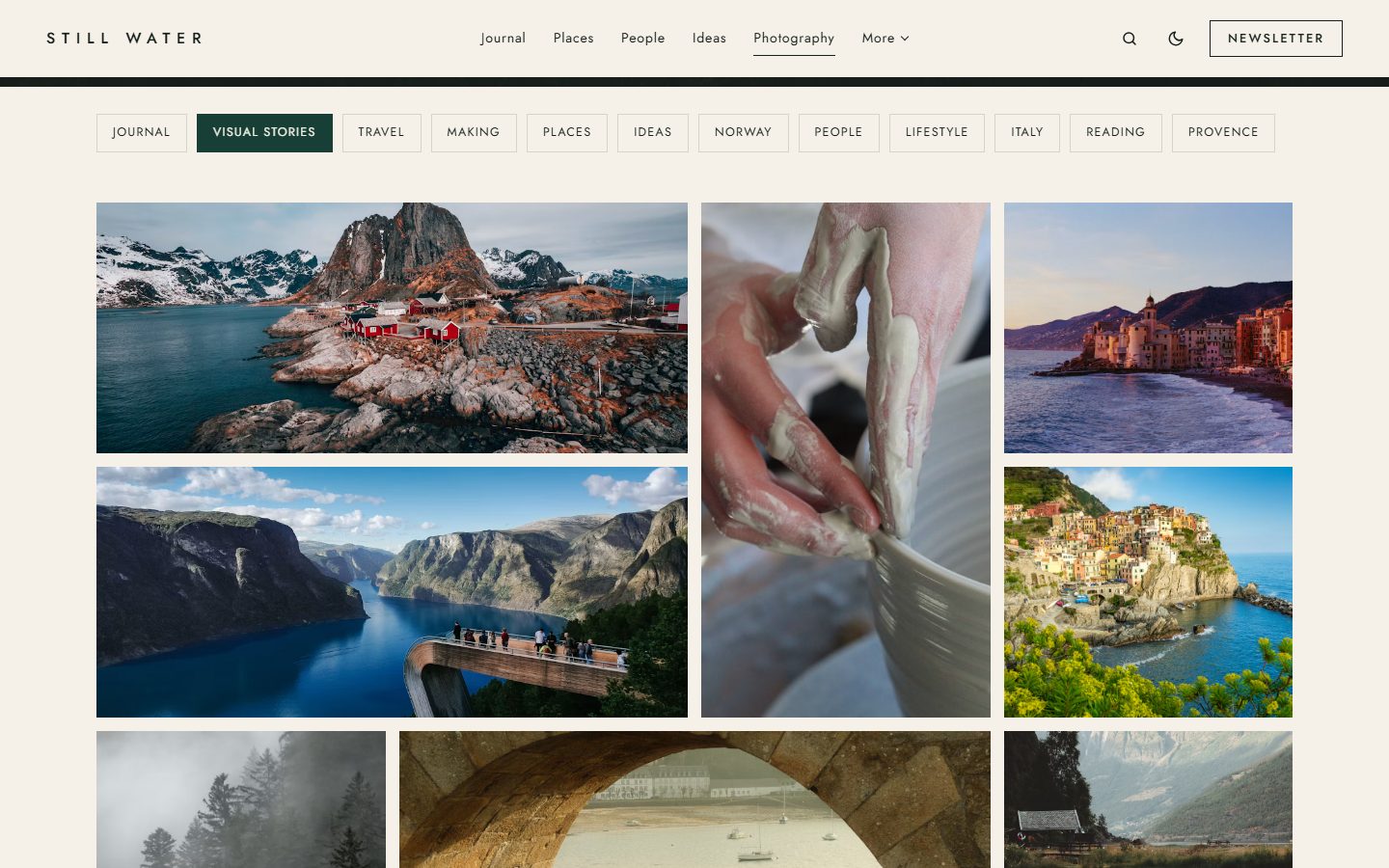
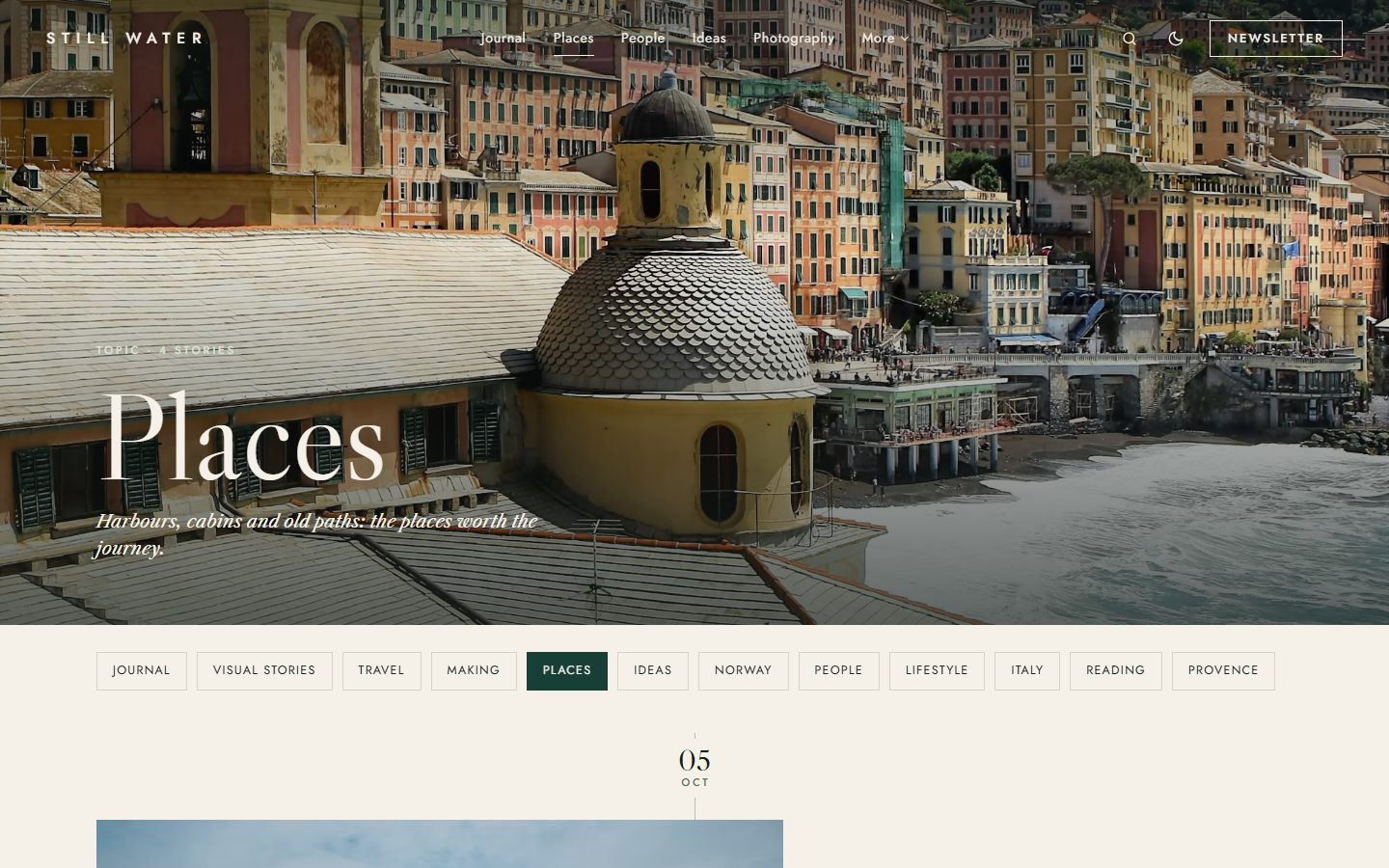
The tag you choose for photography gets its own page: a cover, then a photo mosaic of wide and tall tiles, with titles that appear on hover. The other tags keep the journal timeline. Tag and author pages open with a photo cover and chips to jump to another topic or writer.
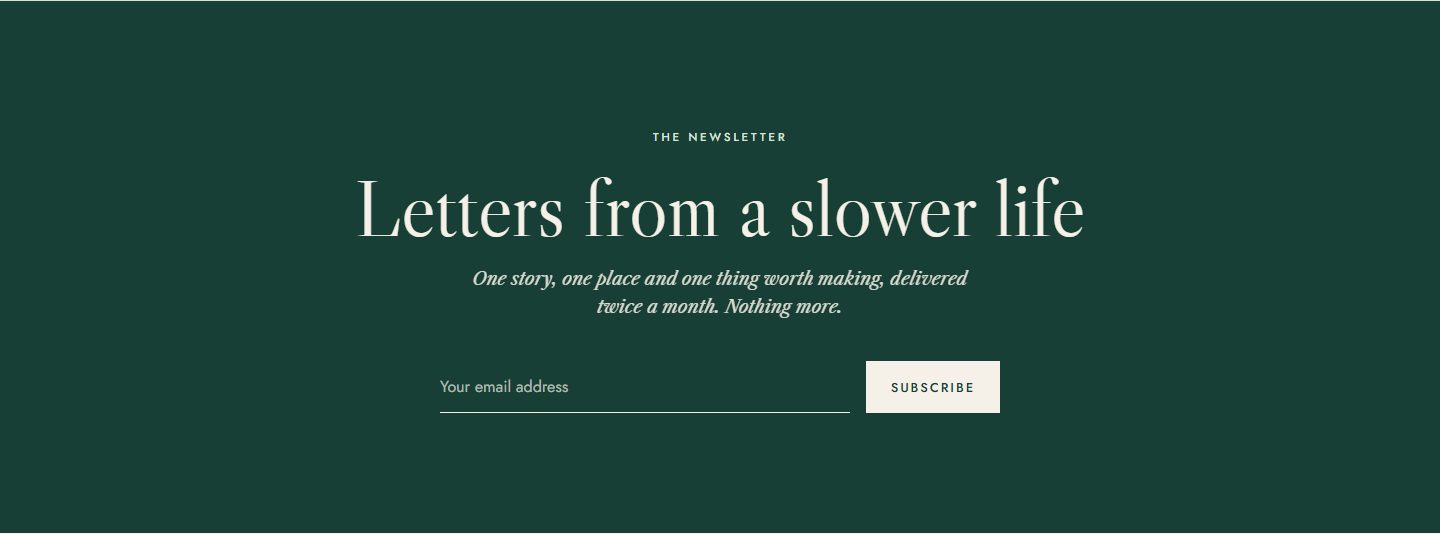
Letters from a slower life
Every page ends with a forest green band and a signup form connected to Ghost's newsletters. The heading and the text are yours to change.
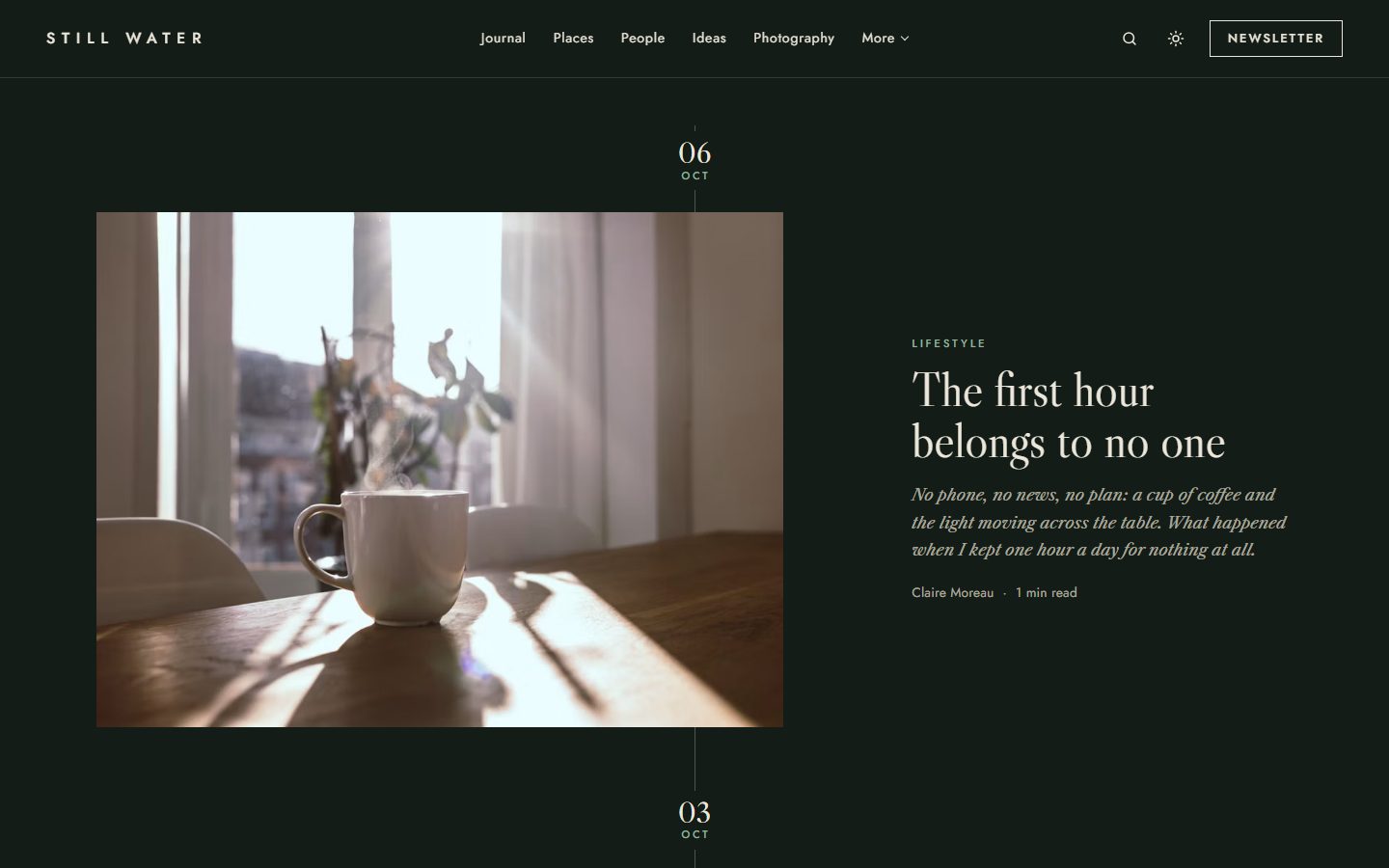
Cream or forest night
Evergreen is printed on cream by default and also comes in a dark forest scheme. Choose Light, Dark or Auto, and readers can switch at any time.
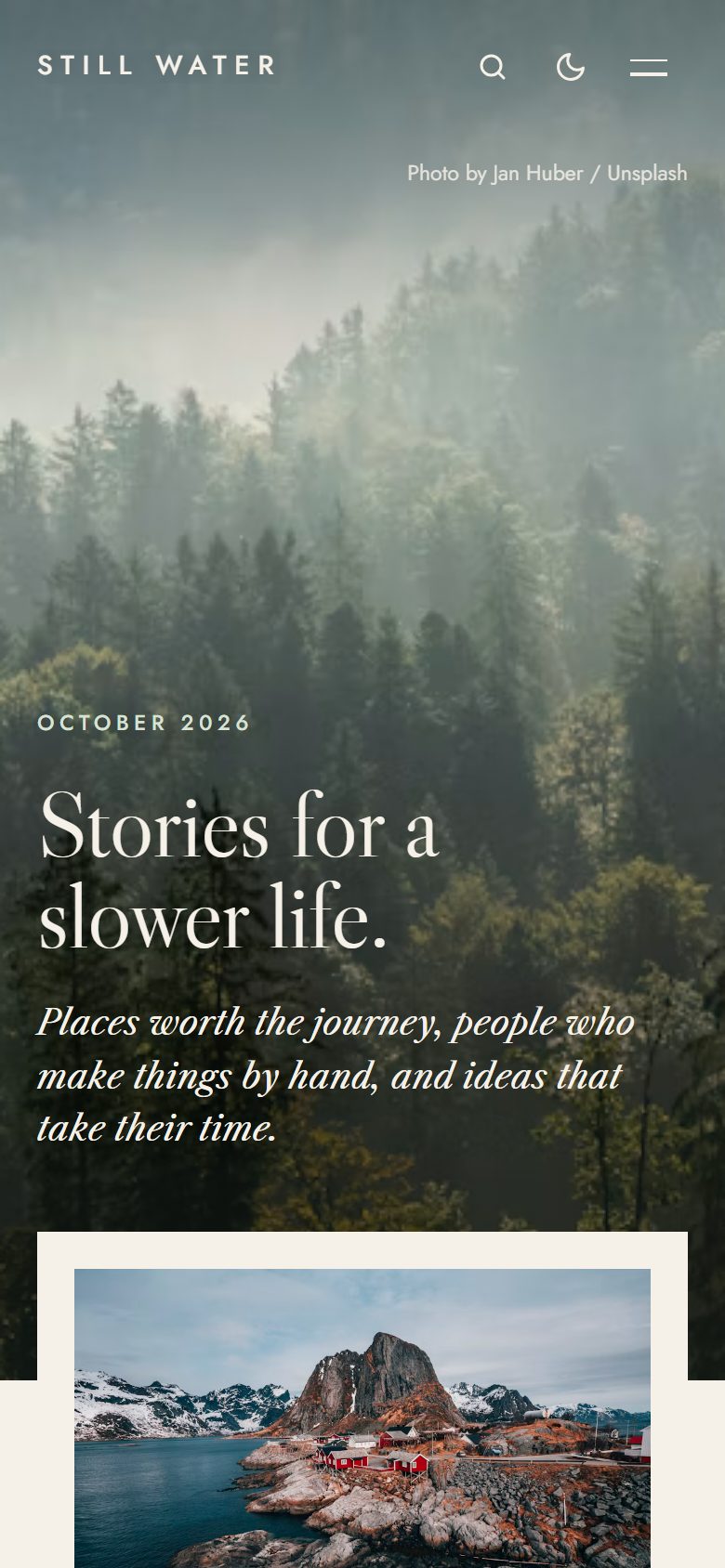
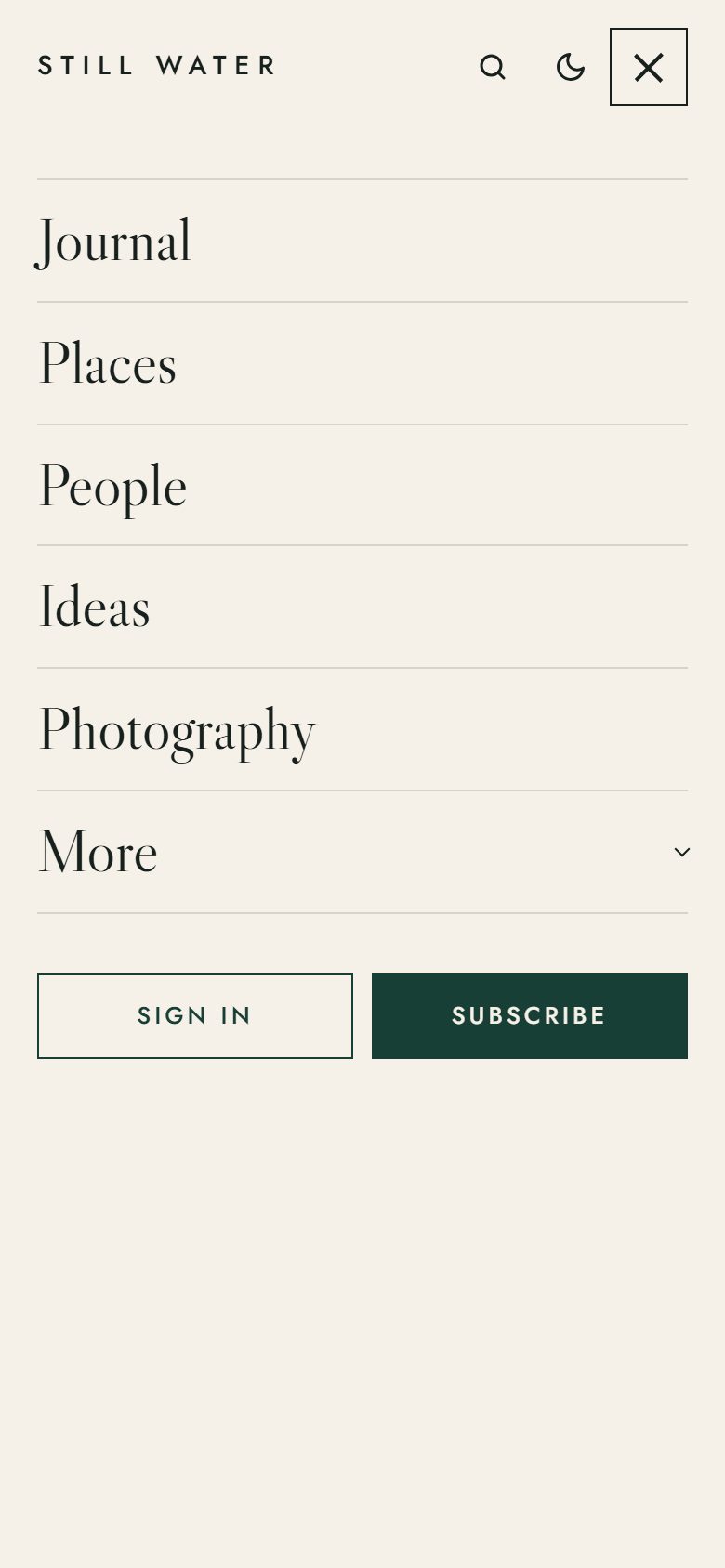
On every screen
Theme settings
All options live in Settings → Design & branding.
- Homepage sections: hero, featured panel, journal, places, people and ideas, each switchable on or off, plus the newsletter on every page.
- Tags: choose the tag behind the journal, places, people and ideas, and the tag shown as a photo mosaic.
- Words: hero statement and photo credit, newsletter heading and text.
- Color scheme, other social links next to Ghost's own social accounts, and a table of contents on long articles.
Everything Ghost offers
- Members, free and paid subscriptions, members-only stories.
- Newsletter signup connected to Ghost, native search, comments.
- All editor cards, shown on the Styleguide page.
- SEO metadata, responsive images and a fully translatable theme.
- Every animation is turned off for readers who prefer reduced motion.